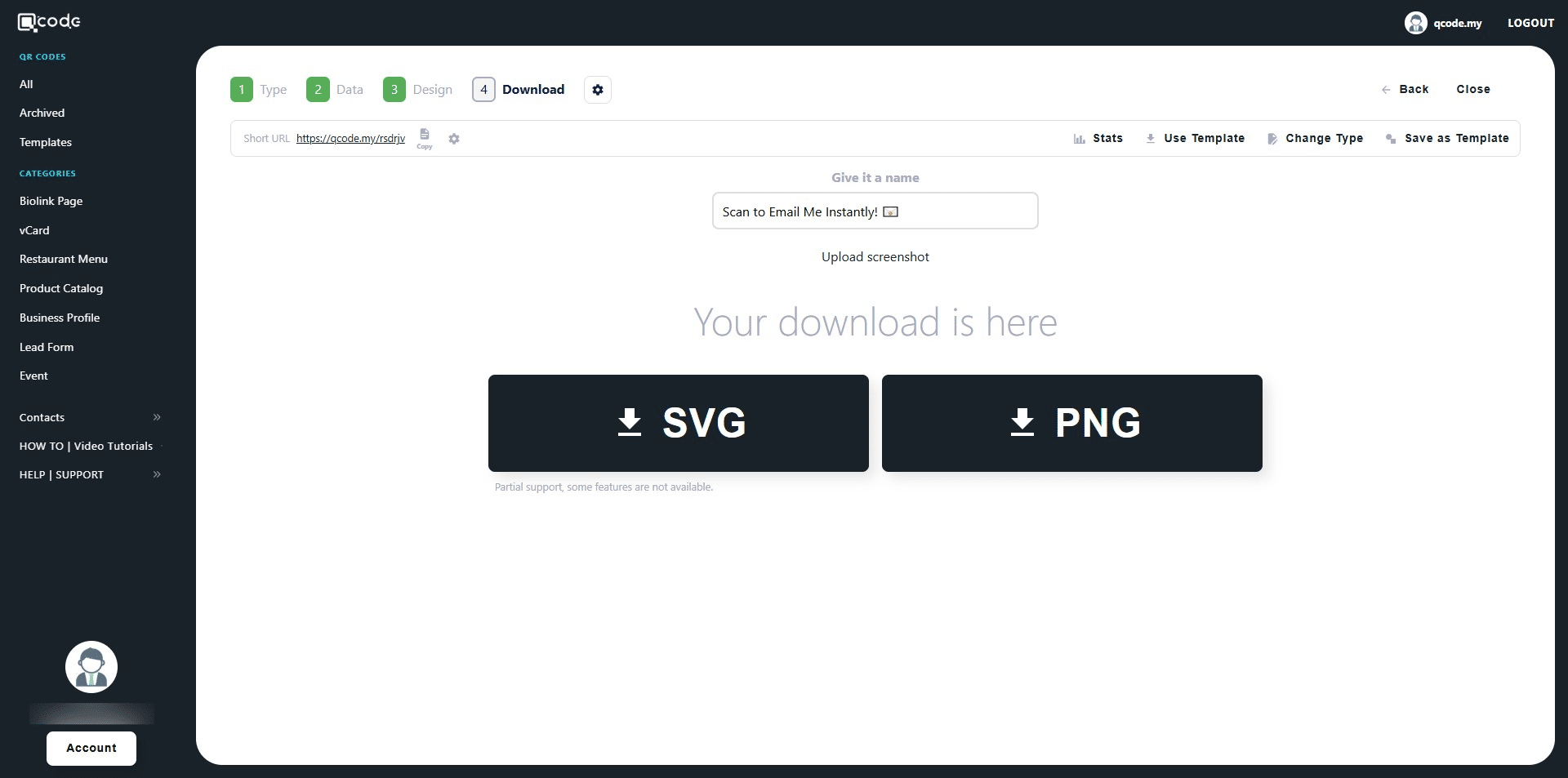
How to create Email QR Code
This guide provides a step-by-step process for creating a customized Email QR code. It allows users to encode their email address, subject and message into a QR code, simplifying the process of sending emails. The guide covers customization options and downloading the QR code in various formats.
1. Navigate to https://qcode.my/dashboard/qrcodes
2. Click on Create to start creating your Email QR Code
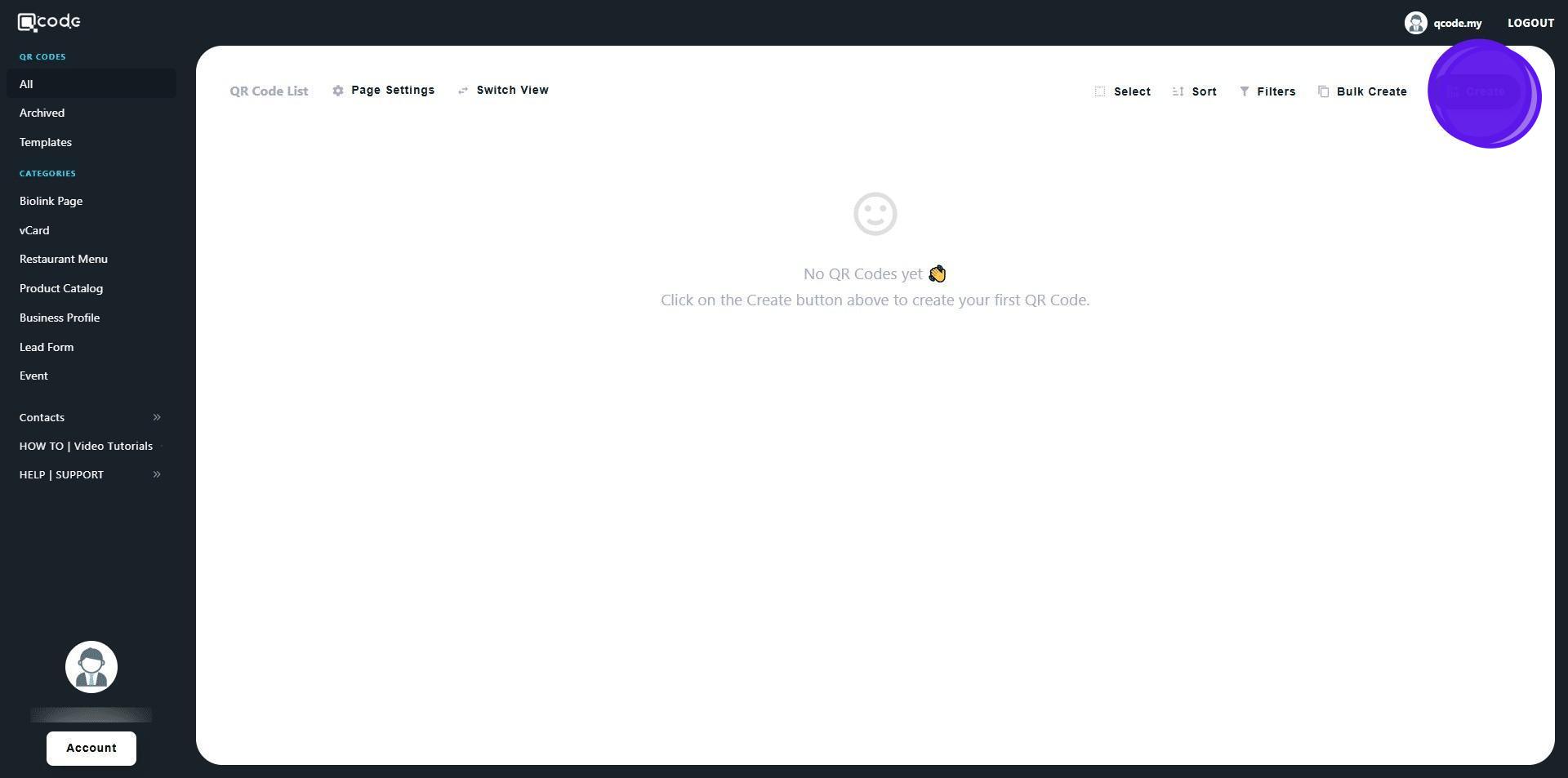
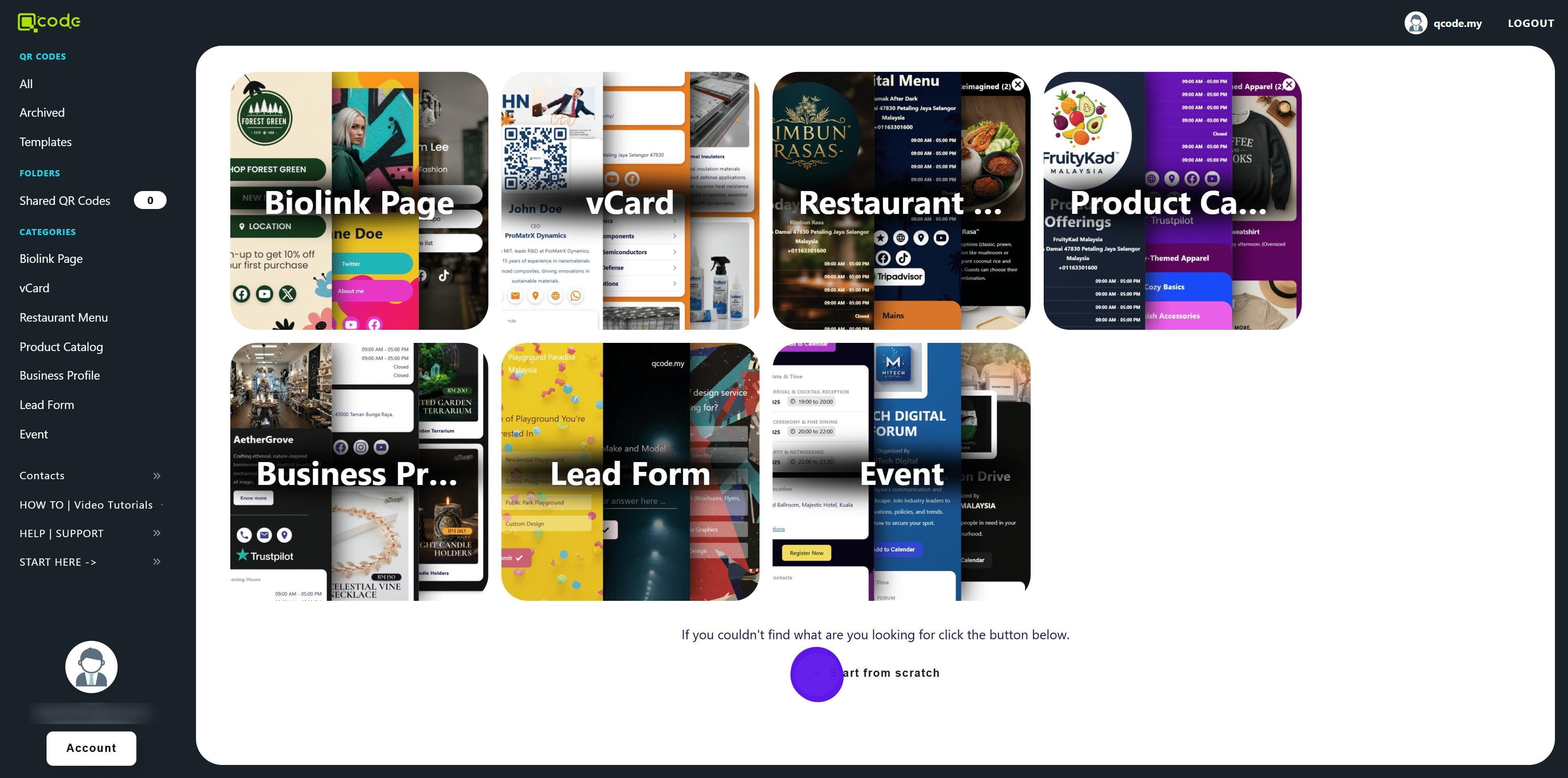
3. Click on Start from scratch
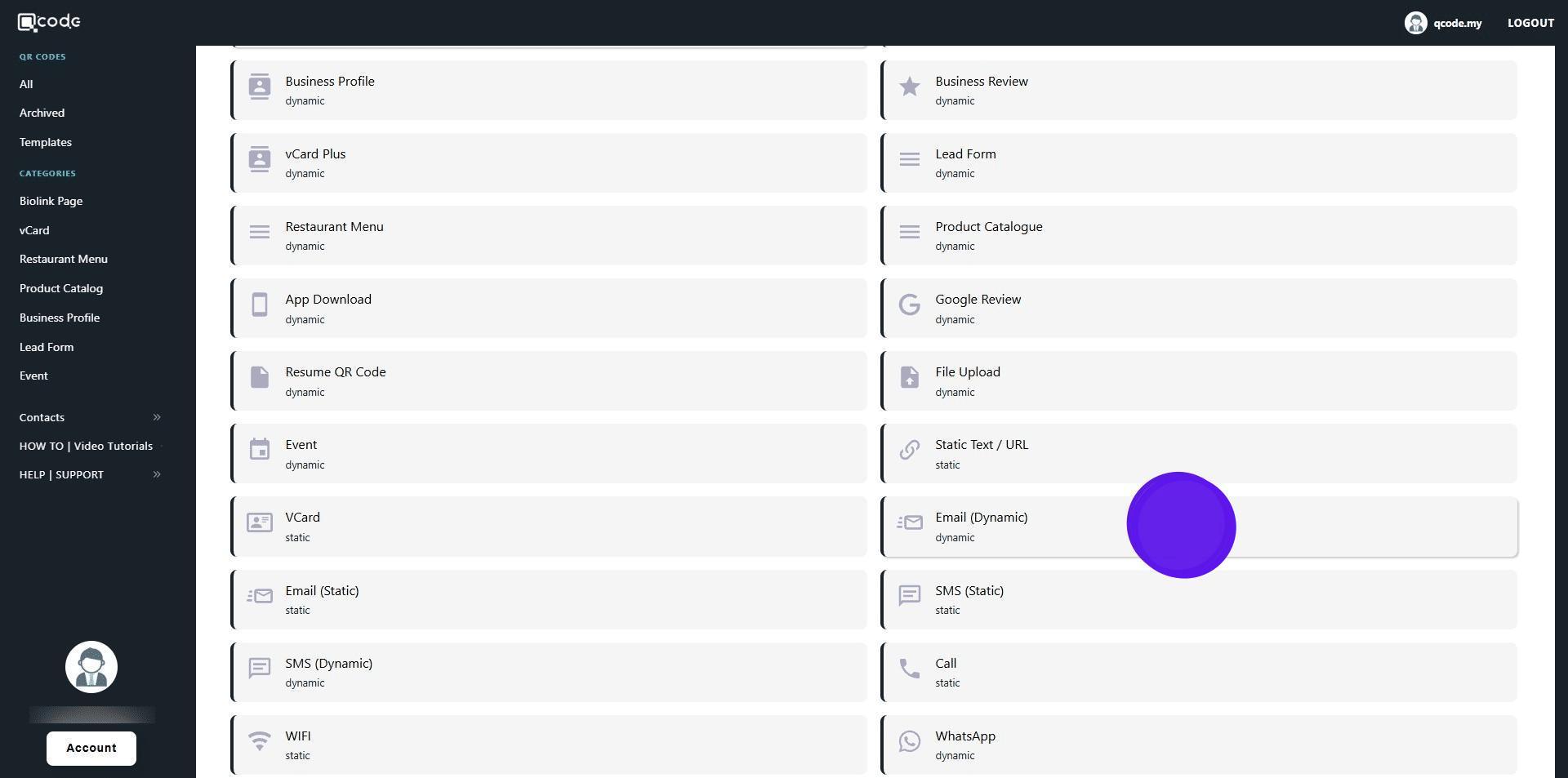
4. Select Email (Dynamic)
5. Enter your Email here
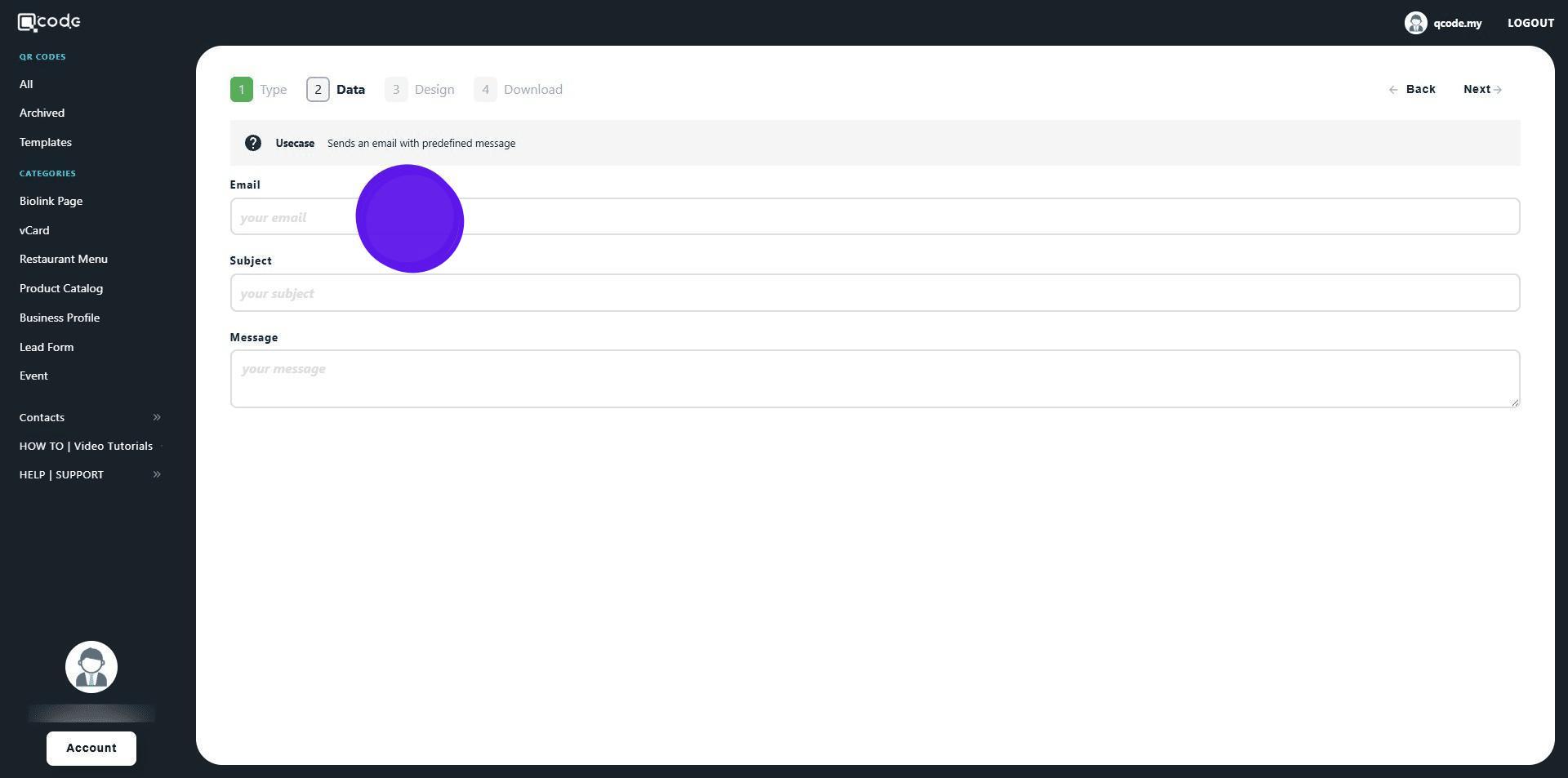
6. Type in the Subject here
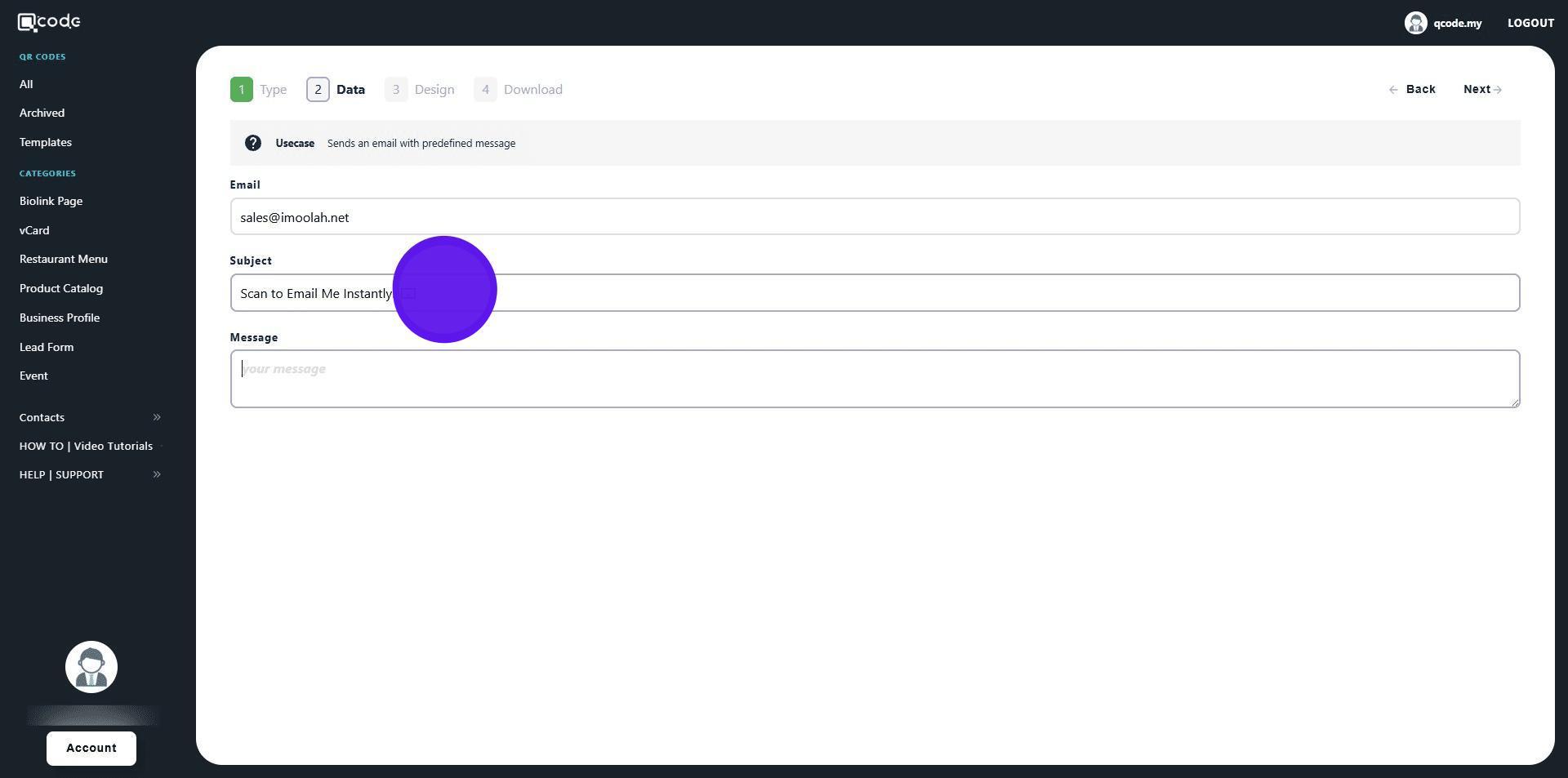
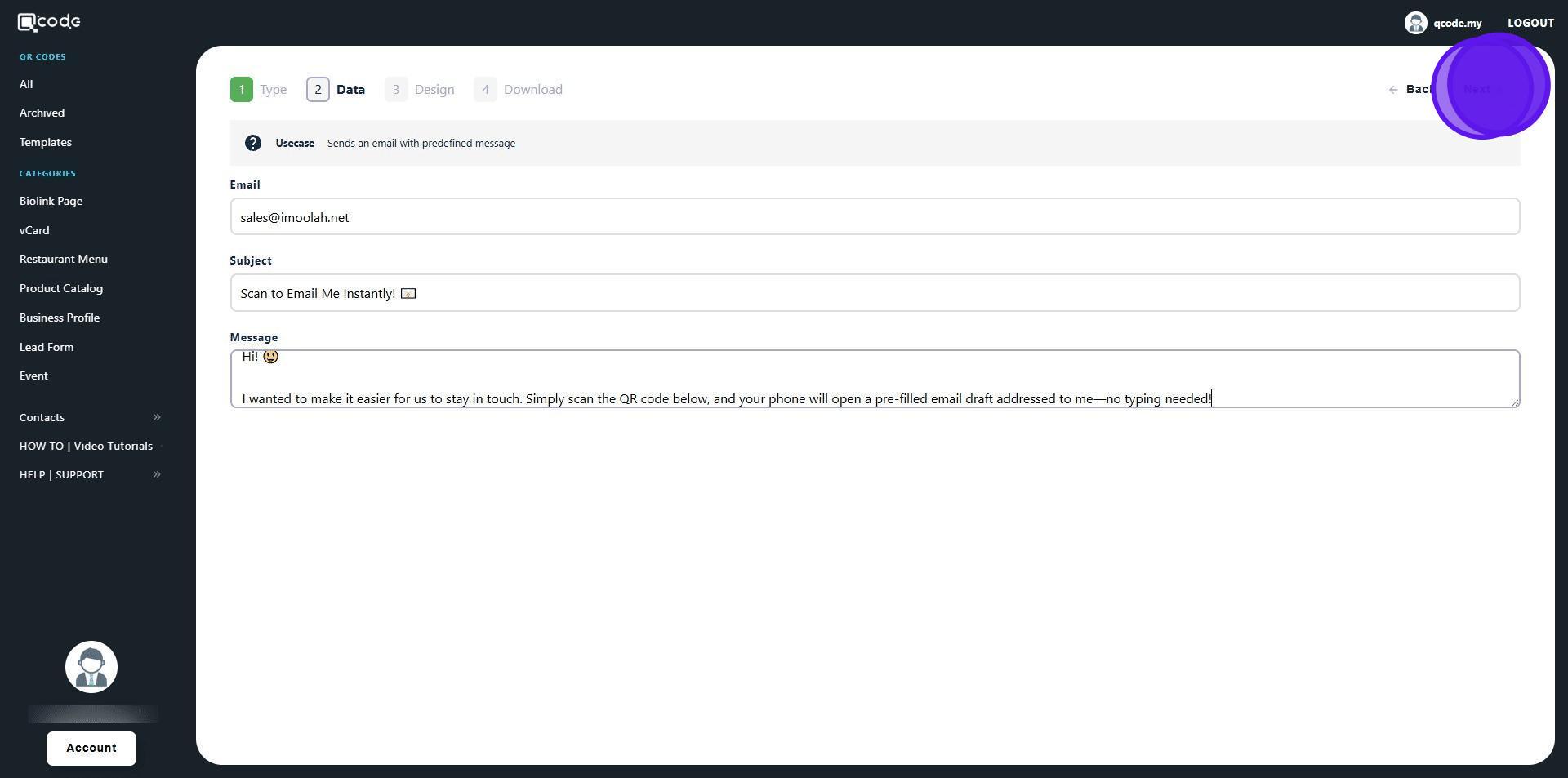
7. Type in the Message of the email here
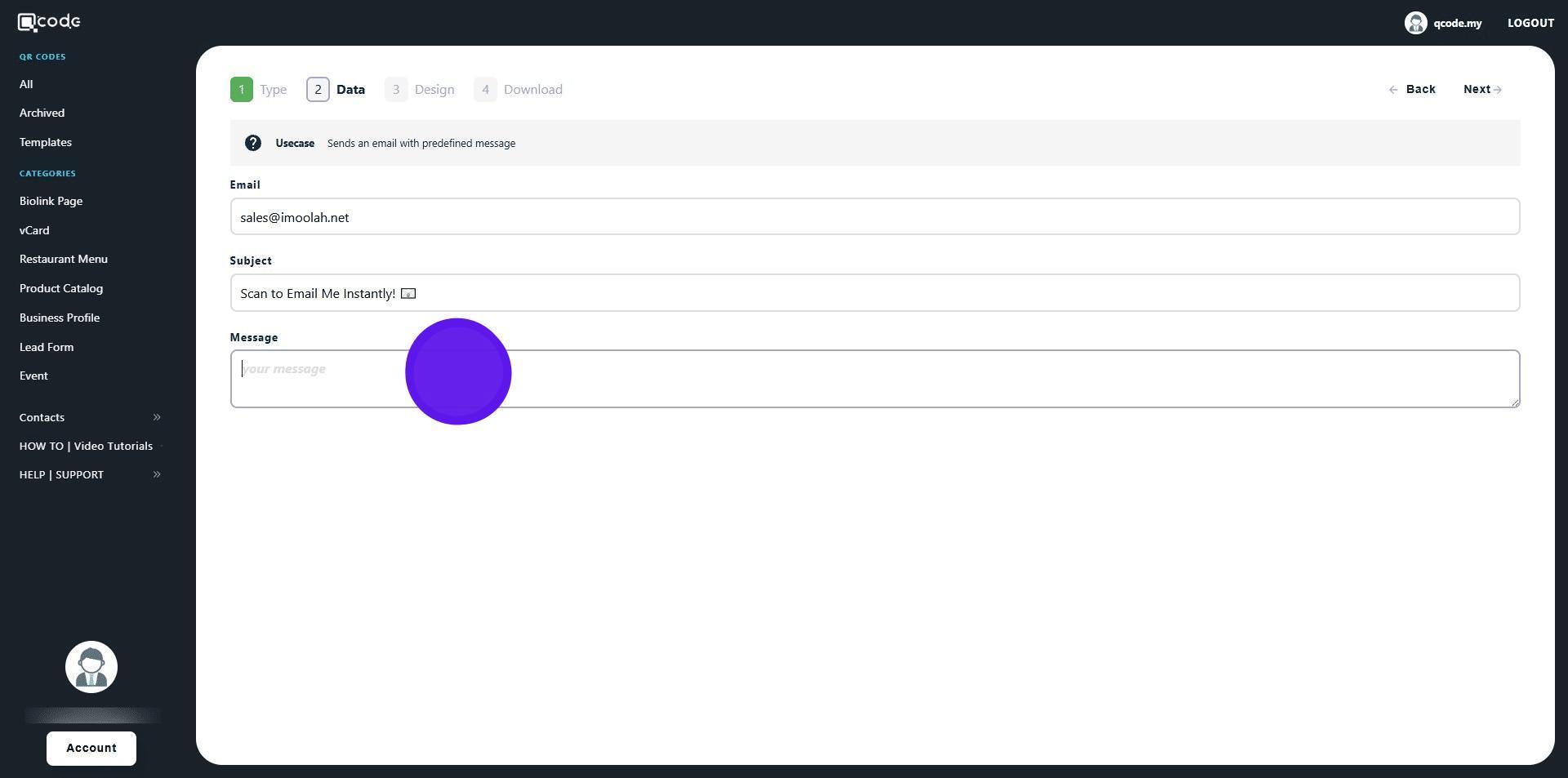
8. Click on Next to move to the next page
9. Here you can customize your QR Code
Click the link to learn more: How to create a QR Code | QCode.MY Knowledge Base
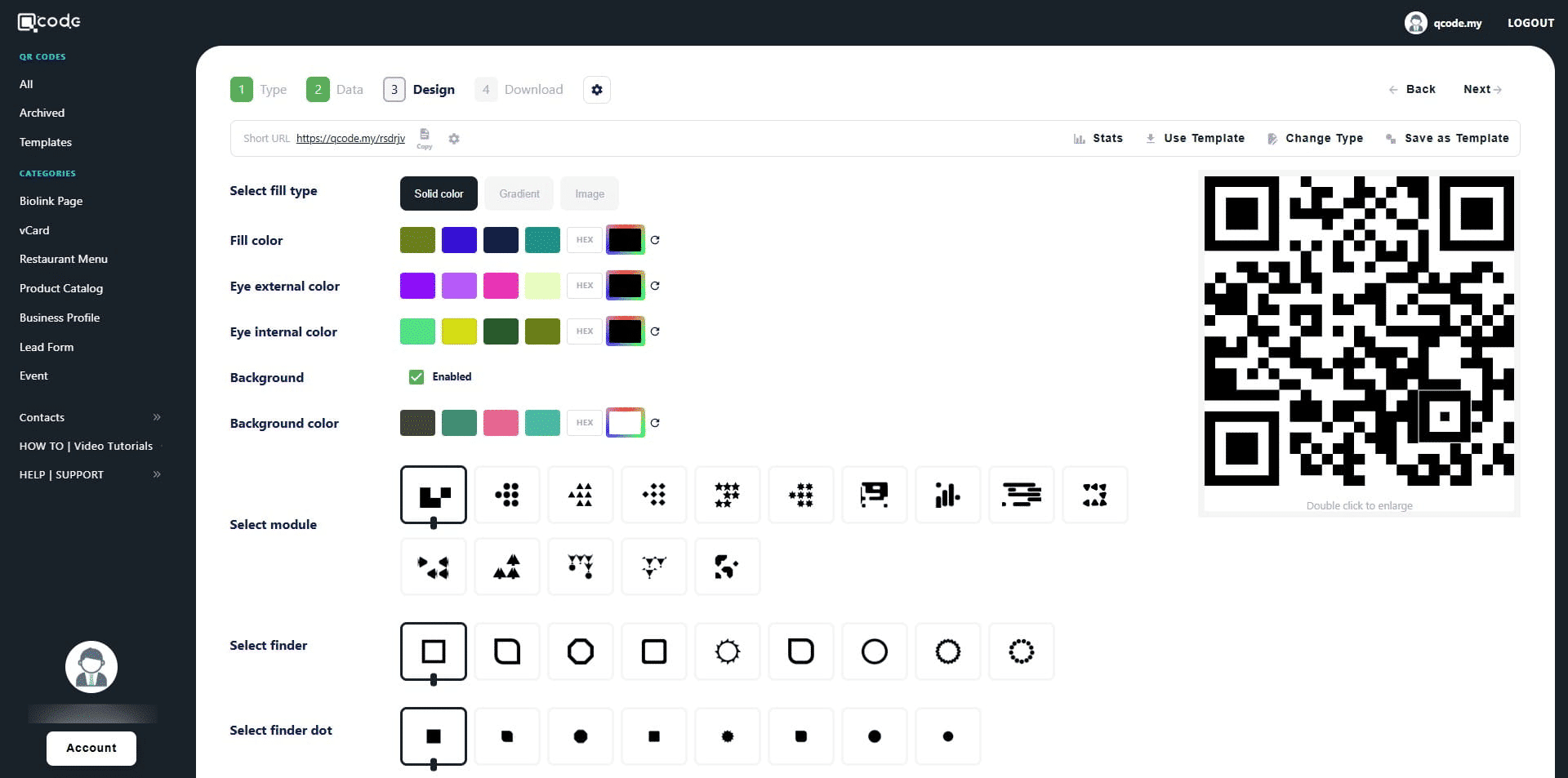
10. Click on Next to move to the final section
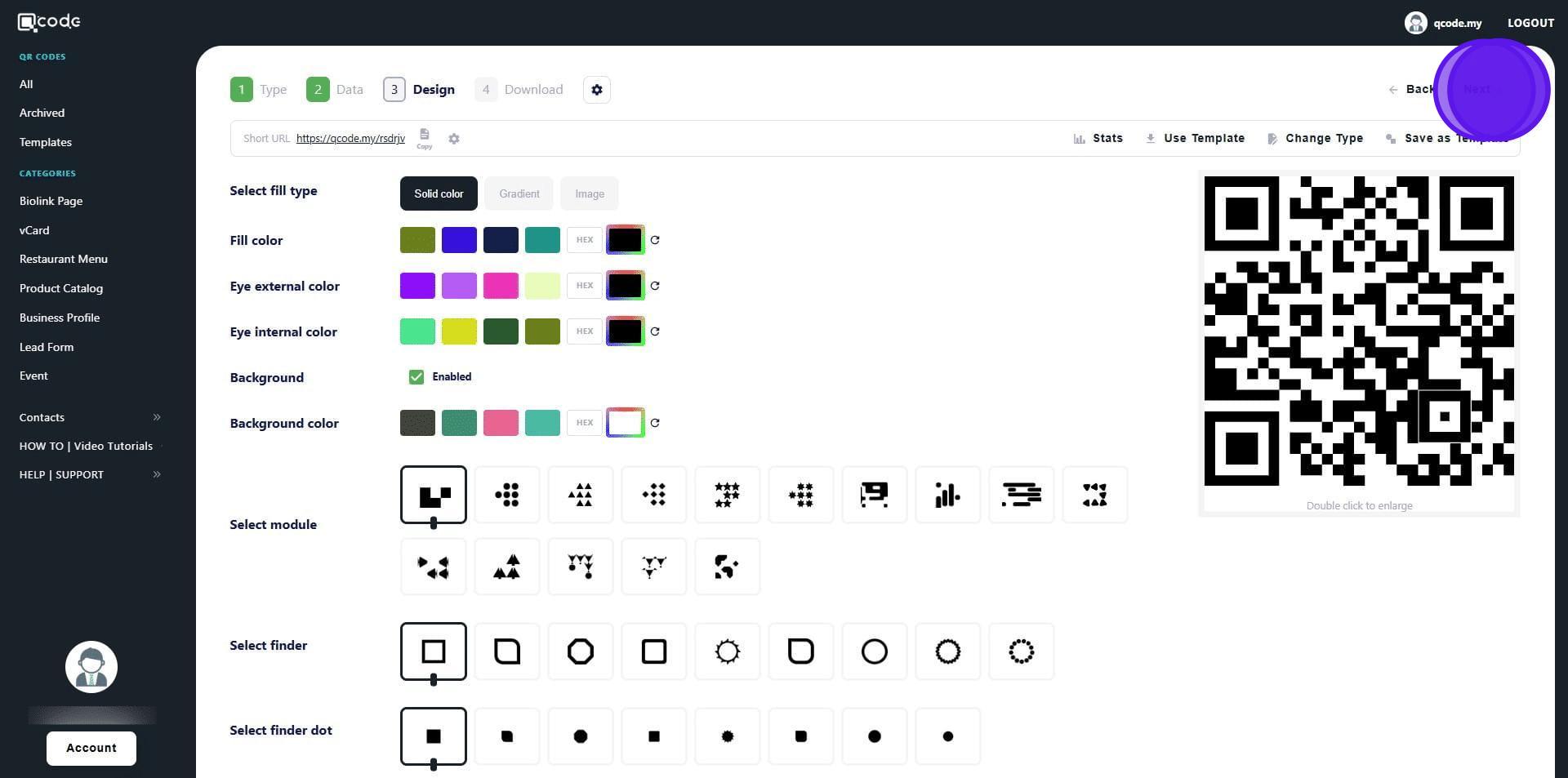
11. Give your QR Code a name by typing here
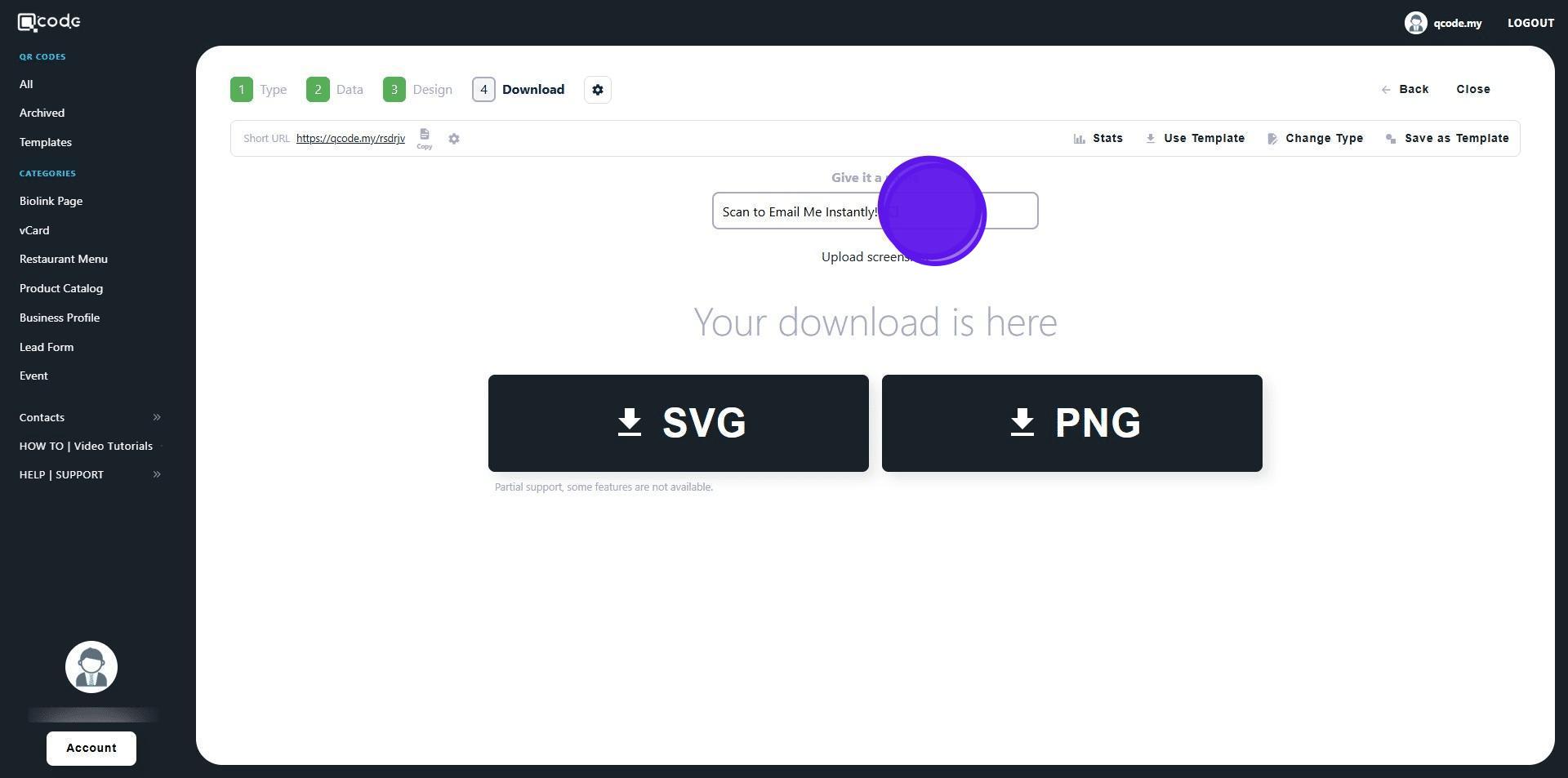
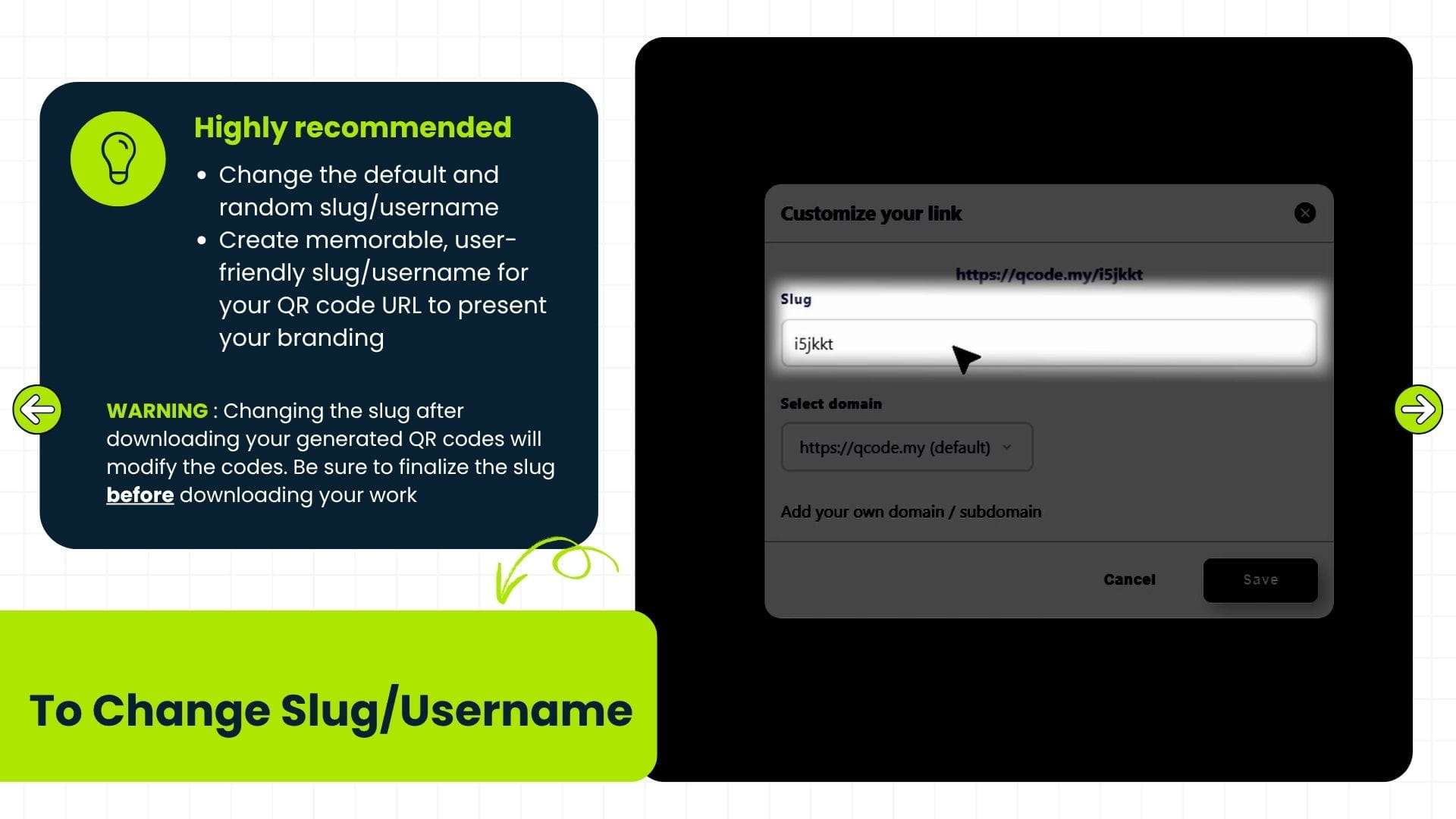
12. Click the cog icon to change your Slug/Username
Click the link to learn more: How to change Slug/Username | QCode.MY Knowledge Base
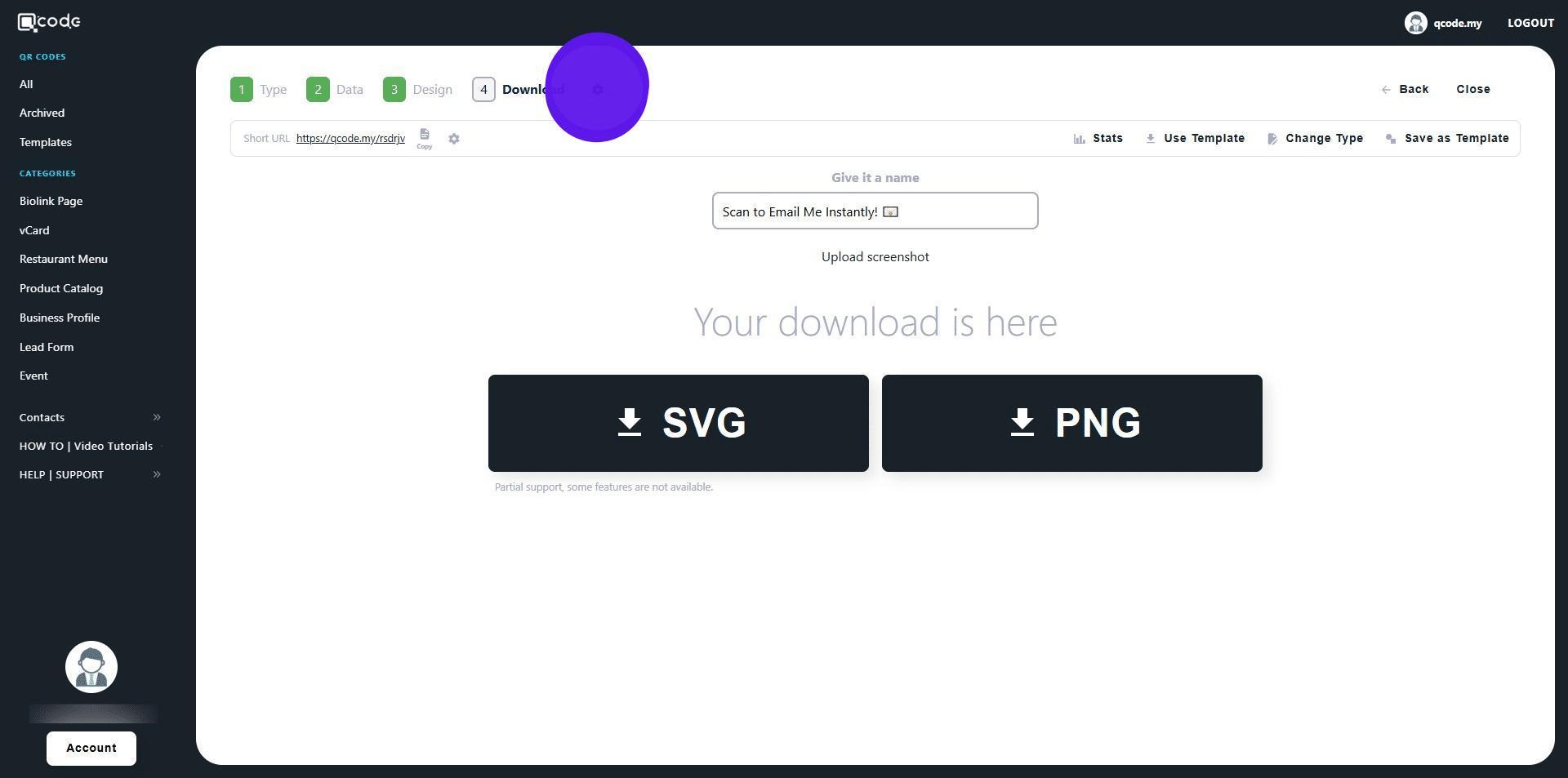
13. Changing the slug after downloading your generated QR codes will modify the codes. Be sure to finalize the slug before downloading your work
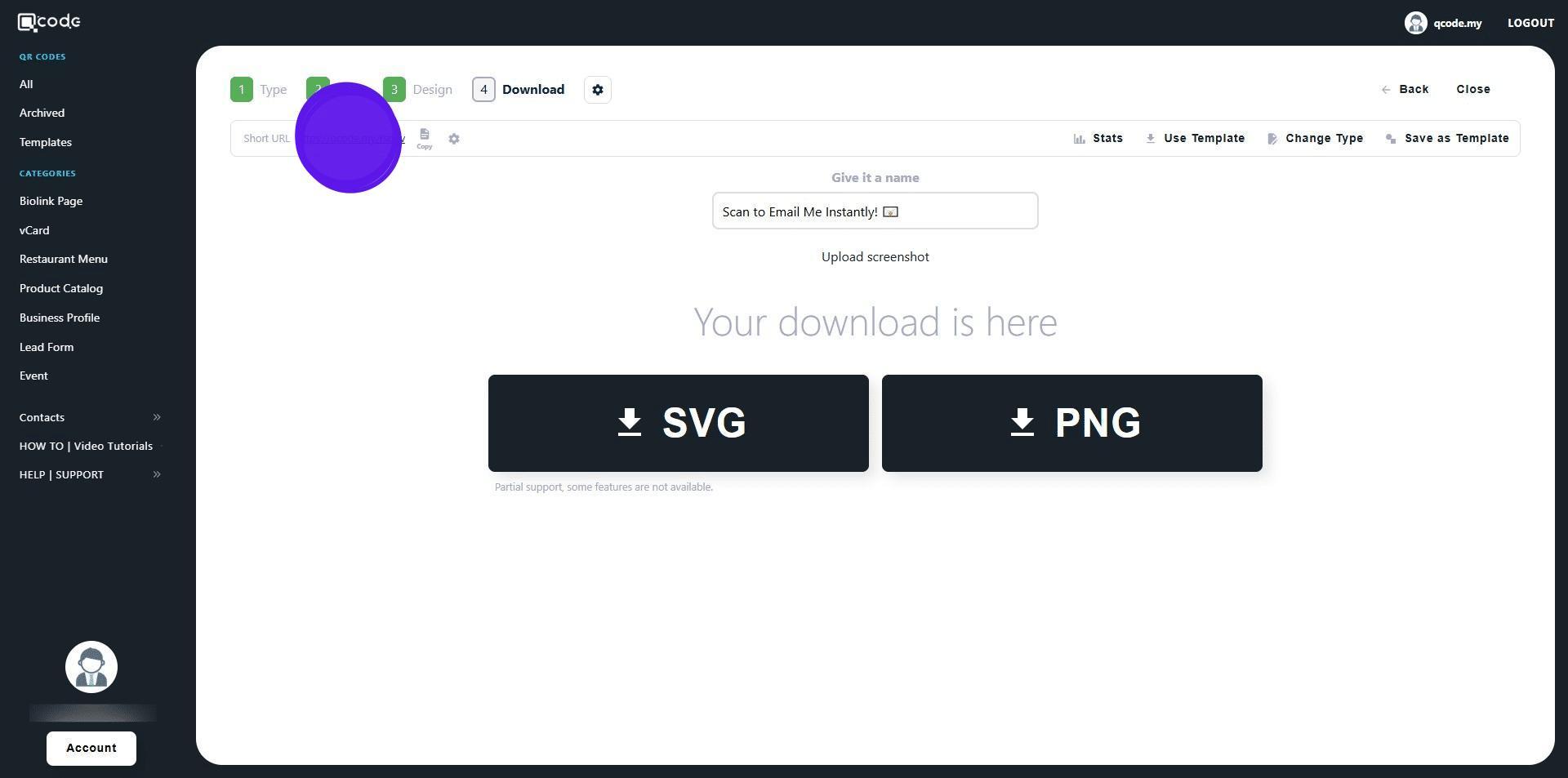
14. Click the Short URL to view the Email
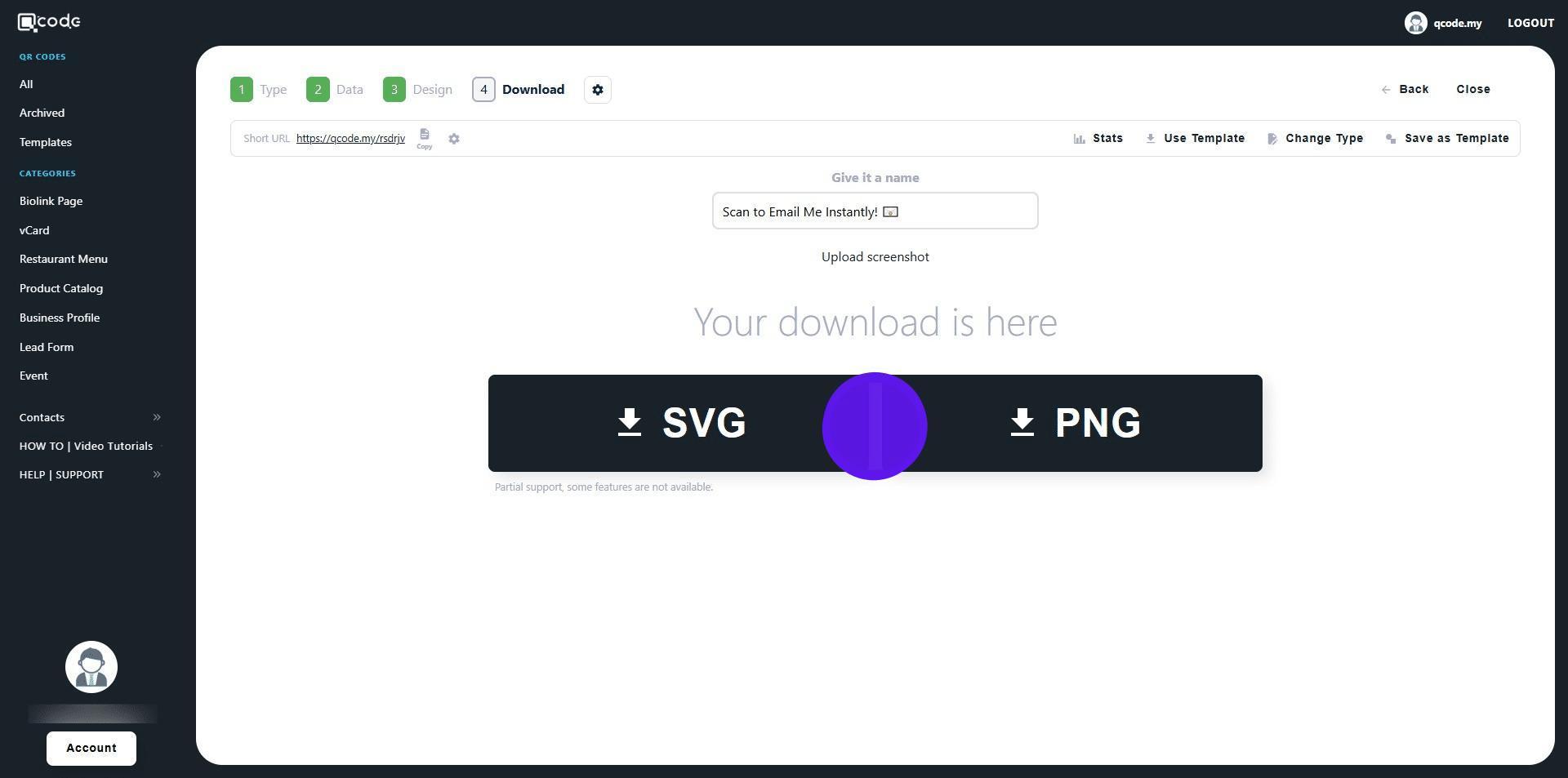
15. Click on SVG or PNG to download your QR Code in the desired formats
16. Congratulations! You're done!